
How to Download and Use Jacaranda App Fast in Nigeria
📱 Learn how to download and set up the Jacaranda app fast in Nigeria. Get tips on boosting speed, securing your data, and fixing common issues with ease.
Edited By
Folarin Adeyemi
Accessing quality education resources anytime and anywhere is key for students and professionals in Nigeria today. The Jacaranda app offers just that — a convenient gateway to a wide range of educational materials, from textbooks to interactive tools, all on your mobile device.
For those ready to enhance their learning experience, knowing how to download and set up the Jacaranda app is the first step. Whether you’re a student preparing for WAEC or a working professional looking to refresh your skills, getting the app installed properly ensures smooth access to its features.

Jacaranda is designed for easy navigation on both Android and iOS platforms. You can download it directly from the Google Play Store or Apple App Store, depending on your device. Before installation, it's wise to check that your phone has enough storage space—usually about 150MB is enough—and a stable internet connection, especially since some resources may take up additional data.
Always download apps from official stores to avoid security risks and fake versions.
Setting up the app is straightforward. After installation, creating an account is essential for personalised content and progress tracking. You’ll need a valid email address and can often link social media or school credentials if available.
Once set up, the app lets you:
Browse textbooks and learning modules relevant to the Nigerian curriculum
Make notes and highlight important sections to aid revision
Access interactive quizzes and past questions to test your understanding
Using the app fully requires occasional updates from the app store; these updates bring new features, security patches, and improved performance, so it's best to keep the app current.
The Jacaranda app matches well with Nigerian learners' needs, offering offline access to some content after it’s downloaded. That means you can study without worrying about erratic power supply or mobile data costs during ember months.
In the next sections, we’ll take you through detailed steps for downloading, installation, and tips on troubleshooting common issues you might face using Jacaranda in Nigeria.
The Jacaranda app has become a valuable tool for Nigerian students seeking quality educational content that's tailored to local needs. This section introduces what the app offers and why it matters for learners in Nigeria. Understanding these benefits helps you appreciate how the app fits into your study routine and exam preparations.
The Jacaranda app provides study materials aligned with Nigerian curricula, covering subjects important for WAEC and JAMB exams. For example, students can find Biology lessons structured exactly like the WAEC syllabus, helping them cover all required topics without getting sidetracked by irrelevant content. This local focus ensures learners study what truly matters for their exams and academic progress.
Beyond just reading materials, the app includes interactive features such as quizzes, flashcards, and video lessons. These tools turn studying from a passive to an active process, helping users understand complex topics better. For instance, a Physics student can watch explainer videos on electromagnetism and then test their knowledge with quizzes that highlight weak areas.
Data costs in Nigeria can add up quickly, especially for students who rely on mobile internet. The Jacaranda app allows you to download lessons and resources for offline use. This means you can study on a danfo commute or at a mama put without relying on continuous internet access, thus saving on costly mobile data.
One key reason to use the Jacaranda app is its focus on exam readiness. It offers past questions, revision notes, and exam strategies tailored for WAEC and JAMB. For students aiming to improve their UTME score or secure admission to university, this targeted support can make a real difference.
Textbooks can be expensive, and often, multiple volumes are needed to cover all subjects. The Jacaranda app offers a more affordable alternative where hundreds of pages of educational content are available for a fraction of the cost. This can relieve financial pressure on families, especially during ember months when school expenses spike.
Life in Nigeria often demands multitasking—students juggle academics with chores, errands, or part-time jobs. The Jacaranda app lets you fit study time into your busy schedule, whether on a keke ride to school or during power outages when textbooks aren’t handy. This flexibility means you can keep learning even when life gets hectic.
Using the Jacaranda app equips Nigerian students with relevant, interactive, and affordable study resources, helping them prepare well and stay on top of their academic goals without losing time or money on unnecessary materials.
Knowing exactly where to find and download the Jacaranda app is vital for Nigerian users aiming to access quality educational resources without hassle or risk. Picking the right source ensures your device stays safe from malware, and you get the genuine app with all updates and support. This section guides you through the best places to download the app and how to spot legitimate versions.
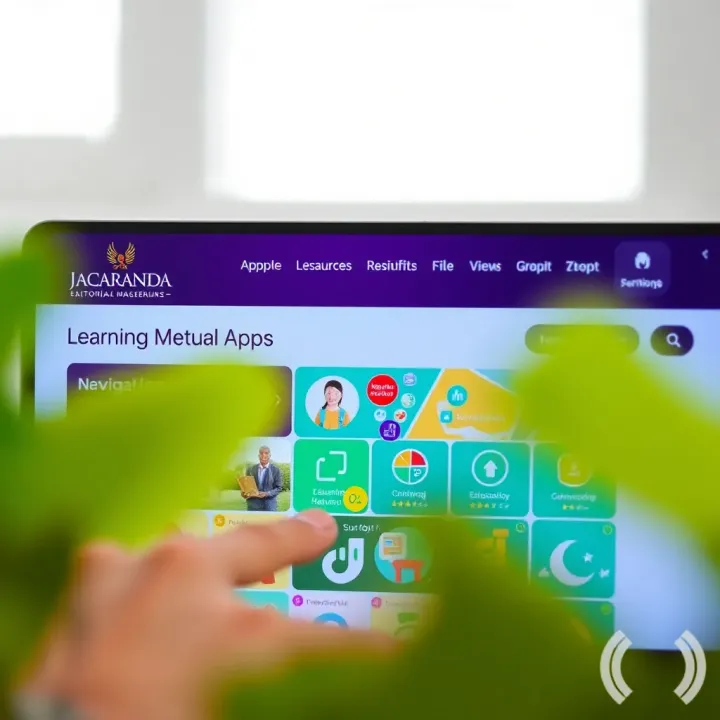
For users on Android phones and tablets, the Google Play Store remains the go-to platform for downloading the Jacaranda app. It provides a secure environment where you can trust the app's authenticity, as Google routinely vets apps before approval. Installing from the Play Store also guarantees that you receive the latest updates automatically, fixing bugs and adding new features without extra effort. For instance, if you use a popular Android phone like a Tecno or Infinix, you simply search “Jacaranda” in the Play Store, tap install, and the system handles the rest smoothly.
For iPhone and iPad users, the Apple App Store offers a similarly safe and seamless experience. Apple’s strict app review process tends to keep fake or harmful apps off the platform, so downloading Jacaranda here reduces worries about security. Additionally, iOS users benefit from a smooth installation process and the option to easily manage updates from the App Store’s interface. Whether you’re studying on an iPhone 13 or the latest iPad, using the official App Store keeps your learning tools genuine and up-to-date.
Sometimes, Nigerian users might prefer to download the Jacaranda app directly from its official website. This method is handy if the app version isn’t available on local app stores due to region restrictions or if you want access to specific versions. Downloading from the official site usually means you can get the latest package directly from the source, avoiding third-party risks. However, be sure to use only the official Jacaranda website as specified by the company to avoid unofficial sites that can distribute altered or malicious software.
Unfortunately, fake versions of popular apps often pop up, especially where many users look for free or modified versions. This risks device security and personal data. To steer clear of counterfeit Jacaranda apps, always check the developer’s name when downloading—it should match the official publisher. On Google Play Store and Apple App Store, reviews and download numbers offer clues about legitimacy. Also, be cautious of apps asking for excessive permissions unrelated to educational content. If anything feels off, it’s best not to install. Taking these steps ensures your learning experience remains safe and reliable.
Downloading Jacaranda from trusted sources protects your device and guarantees access to genuine study materials and timely app updates.
Installing the Jacaranda app correctly is key to gaining quick and reliable access to quality educational resources tailored for Nigerian learners. This section breaks down the installation process to make it straightforward, whether you use an Android or iOS device. Following the steps keeps your app safe from glitches and helps you avoid common pitfalls like failed downloads or compatibility issues.
Before diving into downloading, verify that your phone or tablet is compatible with the Jacaranda app. Most Android devices running Android 7.0 or later and iPhones with iOS 12 or above support the app. Checking available storage is equally important—Jacaranda requires around 150MB for installation plus space for downloaded content. For example, a phone with just 200MB free might struggle or stall during installation.
A stable internet connection is a must-have to prevent interruptions that could corrupt the app or prolong download times. Using Wi-Fi is ideal, especially with data caps on many Nigerian mobile plans. If Wi-Fi isn’t available, ensure your mobile data signal is strong to avoid sudden drops that cause recovery headaches.
Start by opening the Google Play Store on your Android phone. This is the official app marketplace where you can safely find the Jacaranda app without worries of fake versions. Accessing Play Store is as simple as tapping the app icon usually located on your home screen or app drawer.
Next, use the search bar within the Play Store to type "Jacaranda". Scroll carefully through the list to find the app developed by Jacaranda Learning. Selecting the right app ensures you get the latest updates and protect your data.
Once selected, tap the ‘Install’ button to begin downloading. The app will download and install automatically, notifying you when ready. Android devices generally handle this process efficiently, but it’s best to stay connected to power if your battery is low and avoid jumping on other bandwidth-heavy tasks.
For iOS users, open the Apple App Store from your home screen. The App Store is the only official source for iPhone and iPad apps, which means it offers a secure download environment free of malicious software.
Type "Jacaranda" into the search tab, then locate the official Jacaranda Learning app. Be careful to distinguish it from similarly named apps by checking the developer’s name and reviews.
Tap the ‘Get’ button beside the Jacaranda app, then approve the download with your Apple ID or Face ID. After the app downloads, it will install automatically. You can then open it directly from the App Store or your home screen.
Taking time to prepare your device and follow these steps ensures a smooth installation. This way, you’ll start using the Jacaranda app without delay, saving time and helping you make the most of the educational tools it offers.
Setting up and using the Jacaranda app efficiently makes all the difference for Nigerian learners aiming to maximise their study time and results. This part of the process ensures you access the right content without hassle, save on mobile data, and keep your progress organised. When everything is smooth, you avoid frustration, especially during exam prep seasons like WAEC or JAMB where consistent study is key.
Registering with an email or phone number is the first step to unlocking Jacaranda’s educational resources. The app allows you to create an account using your email address or phone number, which makes it easy for most Nigerians who may prefer either method. Registration helps personalise your learning experience so that study materials, progress tracking, and exam practice questions match your needs. For example, a student in Lagos can register with their phone number and quickly begin revising their JAMB subjects.
If you ever forget your login details, resetting passwords and account recovery come into play. Jacaranda’s app offers simple ways to reset your password through your registered email or phone number. This avoids unnecessary downtime, especially when exams approach. If you lose access completely, the support team is reachable through the app to help recover your account.
Once logged in, finding study materials and video lessons is straightforward. The app organises content by subject, exam type, and school level. For instance, a student preparing for WAEC can quickly find past questions, explanatory videos, and notes tailored for science subjects. This arrangement saves time spent searching through irrelevant resources.
Using the search function and bookmarks makes navigation quicker and smarter. You can type keywords to jump right to topics or questions you want to revisit. Bookmarks let you save tricky topics or favourite lessons so you can return to them without endless scrolling. This is especially handy during last-minute revision when every minute counts.
A key feature for many Nigerians is downloading content for offline study. The Jacaranda app allows users to save lessons, quizzes, and videos for offline use, meaning you don’t have to burn through your mobile data every time. This comes handy in areas where network coverage is patchy or when commuters spend hours on okada or danfo.
Managing storage and data usage effectively is about balance. The app lets you control how much space downloaded materials occupy, and you can delete content once studied. You’re also able to set updates to happen only over Wi-Fi, ensuring you don’t incur unexpected data costs. This practical control protects your phone storage and naira wallet.
Efficient setup is not just about getting started; it means making the Jacaranda app fit your daily routine in Nigeria’s unique learning environment.
By mastering account management, navigation, and offline options, you’re set to turn the app into your reliable study companion. No matter if you’re in Ibadan or Port Harcourt, these features keep your exam preparation tight and data costs low.
Troubleshooting is a vital part of using the Jacaranda app effectively in Nigeria. When you face issues like failed downloads or login errors, knowing how to quickly resolve them saves time and frustration. Since many Nigerian users access the app on varying network qualities and devices, these problems occur often. Handling them confidently ensures uninterrupted access to study materials crucial for exams like WAEC or JAMB.
A shaky internet connection is the leading cause of download failures for the Jacaranda app. Nigerian learners, especially outside major cities, sometimes deal with unstable data signals or weak Wi-Fi, causing interruptions during app download or updates. It's important to test your connection first by loading other websites or streaming a short video. If these don’t work smoothly, switching to a more stable network, such as home fibre or reliable mobile data like MTN or Airtel, often fixes the problem.
The Jacaranda app may slow down or refuse updates due to stored cache piling up over time. Cache holds temporary files to speed up loading but can become corrupted. Clearing cache frees storage and resolves glitches without deleting your materials. On Android, this can be done via Settings > Apps > Jacaranda > Storage > Clear Cache. iPhone users can try deleting and reinstalling the app to reset cached data.
Running low on storage is common with smartphones loaded with photos, videos, and apps. The Jacaranda app requires enough free space to download new lessons and updates. If your phone signals “storage full” during download, delete unnecessary files or transfer them to an SD card or cloud service. Aim for at least 500MB free space before installing or updating the app, especially with offline content downloads.
Login problems often stem from d emails or passwords. Nigerian users juggling multiple platforms sometimes confuse credentials. Double-check your email spelling, phone number format (including country code +234), and case sensitivity of your password. If unsure, use the password recovery option in the app to reset credentials securely.
When self-help fails, reaching out to Jacaranda’s support team is essential. Nigerian students often delay contacting support, trying many unfruitful attempts. Using official support channels via the app or email speeds up account recovery, particularly for locked or hacked accounts. Provide accurate details such as your registration email and device type to get quick, personalised assistance.
Maintaining seamless access to the Jacaranda app depends much on your ability to troubleshoot early problems effectively. Taking these practical steps reduces downtime and keeps your study routine on track.
By mastering these solutions, you ensure the Jacaranda app serves as a reliable companion throughout your academic journey in Nigeria.
Staying safe while using the Jacaranda app is essential for Nigerian users, especially in a digital environment prone to scams and data breaches. Protecting your personal information safeguards your learning progress and helps prevent identity theft or unauthorised access to your account. Beyond privacy, following safety practices improves your overall experience and keeps your device secure.
Using strong passwords is a simple yet effective way to protect your Jacaranda app account. A strong password combines letters, numbers, and special characters, making it harder for hackers to guess. For example, instead of using a common password like "password123", use something like "J4c@r@nd@2024". This approach reduces the risk of your account being hacked and your study materials or personal data falling into the wrong hands.
Besides complexity, do change your password regularly to keep your account fresh and secure. Avoid using the same password across multiple platforms; if one app is compromised, others become vulnerable too. This habit is vital because many Nigerians rely on one device for multiple apps, combining educational tools like Jacaranda with social media or mobile banking.
Avoiding sharing login details is equally important. Your login information is private and should not be shared with friends, family, or even classmates. Sharing access may seem harmless but it can lead to accidental changes to your account, loss of personalised learning progress, or worse, misuse of your information.
In some cases, fellow users might unintentionally expose your details if their devices get hacked. Hence, keep your credentials to yourself and report any suspicious activity immediately. If you suspect your account has been accessed without your permission, reset your password and inform Jacaranda support promptly.
Downloading only from credible sources ensures you get the official Jacaranda app without malicious software attached. The safest channels are the Google Play Store for Android users and the Apple App Store for iPhones and iPads. These platforms verify apps before listing them, reducing risks of fake versions.
In Nigeria, downloading from unofficial third-party websites or receiving APK files through social media increases vulnerability. Fake apps may mimic Jacaranda's design but often steal your data or show intrusive ads. For practical safety, always check the developer’s name and reviews before installing.
Recognising phishing attempts helps you avoid scams that target your login credentials. Phishing can come as emails, messages, or even phone calls pretending to be from Jacaranda or a trusted source asking for your password or personal details.
A common trick is receiving messages about account suspension or prize winnings, urging you to click links or share sensitive info. Real Jacaranda communications will never ask for your password via message or email. Be suspicious of urgent requests and always verify through official sources before taking action.
Remember, your digital safety starts with vigilance. By using strong passwords, safeguarding your login details, and staying alert to scams, your Jacaranda learning experience will be secure and stress-free.
📱 Learn how to download and set up the Jacaranda app fast in Nigeria. Get tips on boosting speed, securing your data, and fixing common issues with ease.
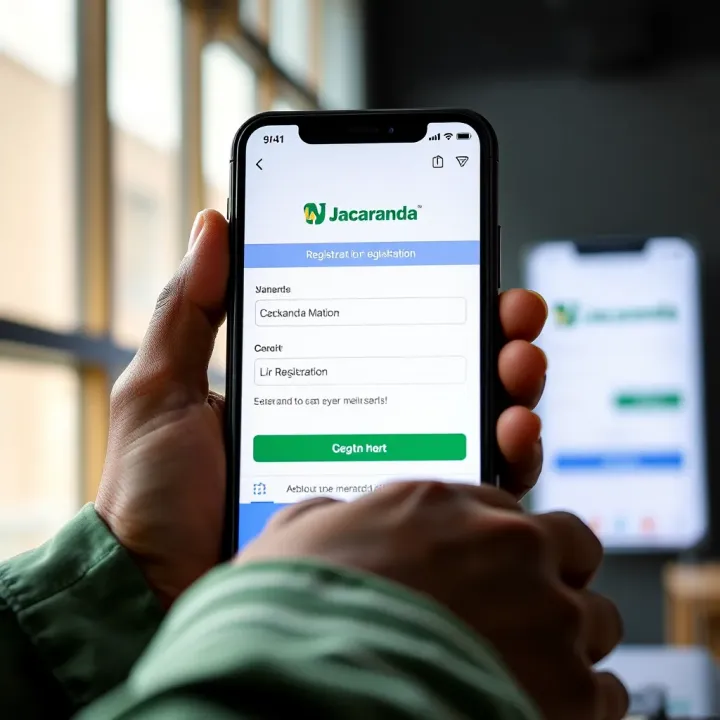
📚 Learn how to navigate Jacaranda App like a pro! Register easily, access rich educational content, customise your experience, and handle subscriptions seamlessly in Nigeria.
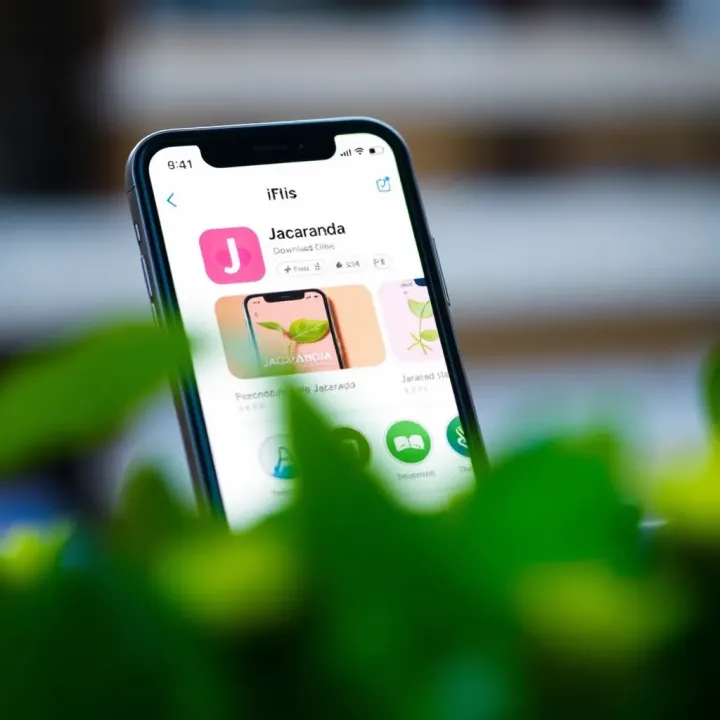
📱 Learn how to download and use the Jacaranda app on your iPhone or iPad with tips on local internet conditions, device compatibility, and common issues for smooth Nigerian user experience.

Learn how to run Jacaranda app on your PC smoothly 🇳🇬. Get tips on installation, optimising for Nigerian internet, and fixing common glitches easily 💻📱.
Based on 10 reviews